2Minutes: Error Handling in JavaScript
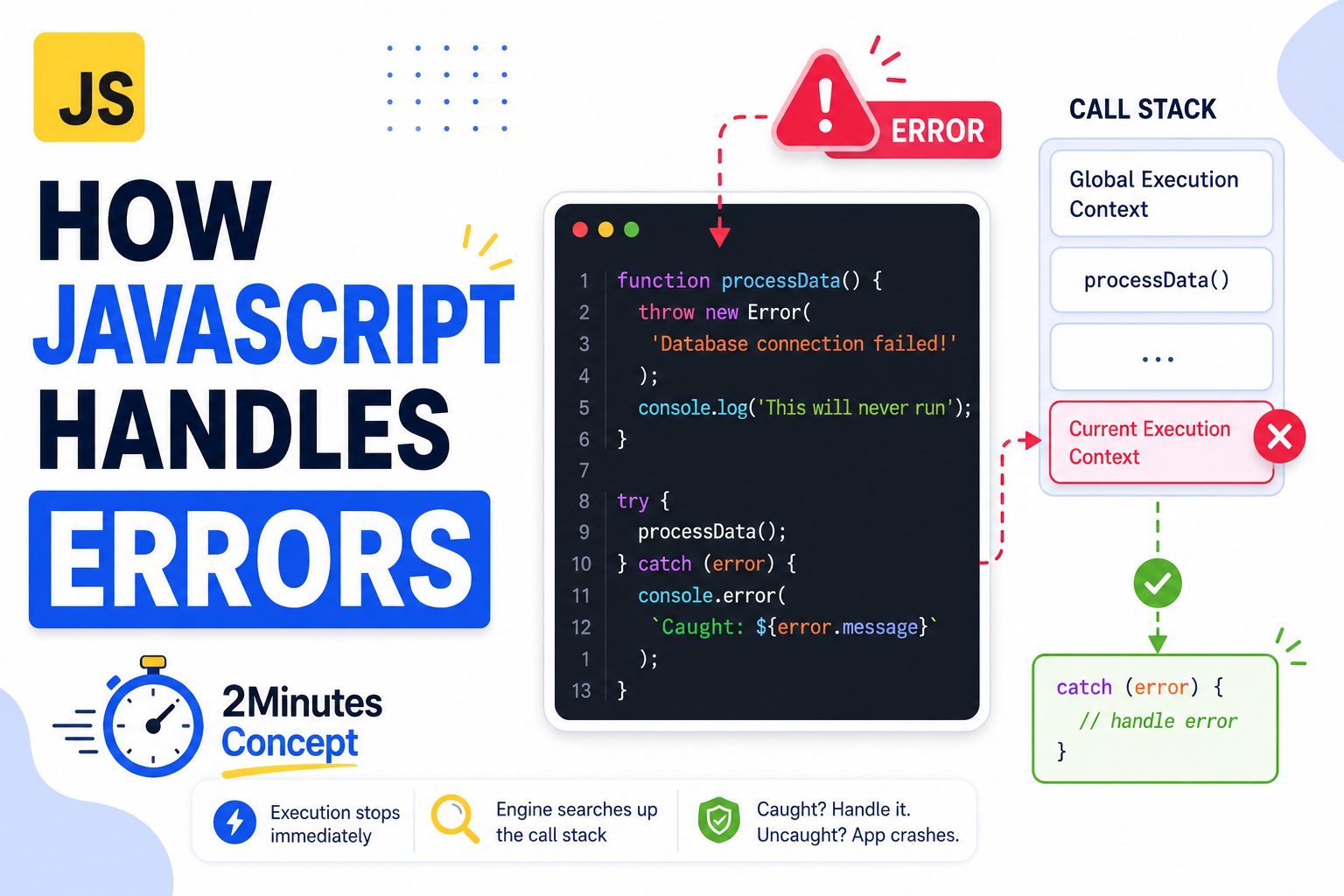
Most developers know how to use try...catch blocks to prevent their applications from crashing. Far fewer know exactly how the engine handles execution flow when an error is thrown.
Let’s break down how JavaScript handles errors behind the scenes, step by step.
The Call Stack Interruption
When an error occurs, JavaScript immediately stops normal code execution in the current block and creates an Error Object containing a message and a stack trace.
function processData() {
  throw new Error("Database connection failed!");
  console.log("This will never run");
}

try {
  processData();
} catch (error) {
  console.error(`Caught: ${error.message}`);
}If you look closely, you see that the console.log() inside processData() is skipped entirely.
When the throw keyword is encountered, the JavaScript engine halts execution and begins searching up the Call Stack for the nearest enclosing catch block. If it finds one, it jumps directly into that block and passes the error object as an argument.
Uncaught Errors: Breaking the Chain
What happens if you don’t provide a catch block? Have a look at this example:
function calculateTax(amount) {
  if (amount < 0) throw new Error("Amount cannot be negative");
  return amount * 0.2;
}

calculateTax(-10); // Uncaught Error: Amount cannot be negative
console.log("App crashed!"); // Never executesWe get an Uncaught Error because the engine walked all the way up to the global execution context and found no matching try...catch structures. When an error goes completely uncaught, the engine terminates the entire script execution line.
That’s 2Minutes Concept, see you in the next one!
Sources
https://developer.mozilla.org/en-US/docs/Web/JavaScript/Reference/Statements/try…catch