2Minutes: Fetch API In JavaScript
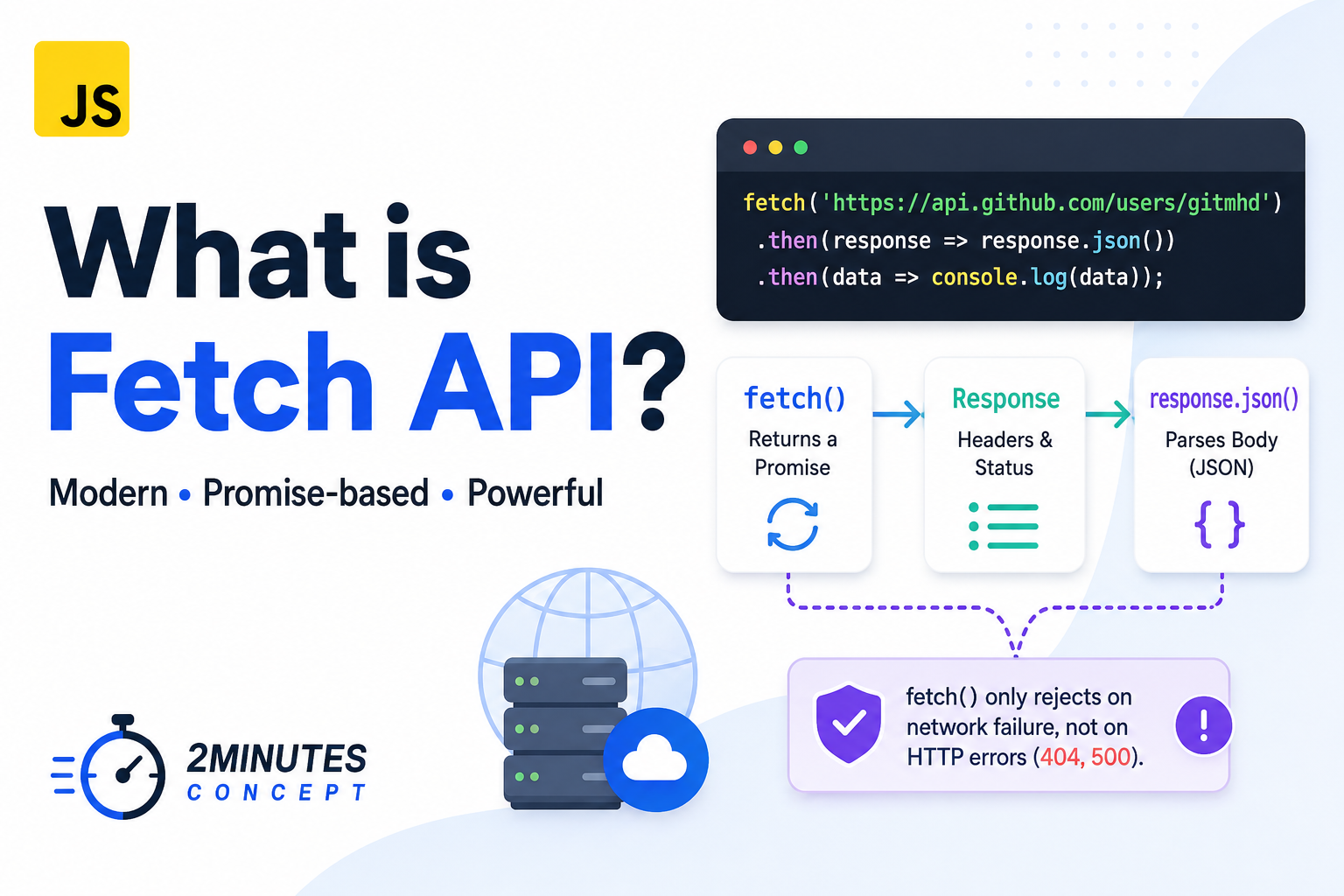
What is the Fetch API?
We see code similar to this every day in modern web applications:
fetch('https://api.github.com/users/gitmhd')
  .then(response => response.json())
.then(data => console.log(data));Before ES6, making a network request meant using the clunky and verbose XMLHttpRequest. The Fetch API was introduced to provide a much cleaner, more powerful way to make HTTP requests and handle responses in JavaScript.
But how does it actually work behind the scenes?
Unlike older synchronous methods, fetch() doesn’t return your data immediately. It returns a Promise. This means it tells the JavaScript engine: “I am going to fetch this data in the background. Keep executing the rest of the file, and I will let you know when I’m done.”
The Two-Step Process
If you look closely at the code above, you’ll notice we have to handle the response twice. Why is that?
When the fetch() network request initially finishes, it resolves into a Response object. However, this object only represents the HTTP response headers and status codes. The actual body content hasn’t fully downloaded yet!
To extract the JSON body content from that Response object, we use the .json() method. Because reading that data stream from the network can take time, .json() also returns a Promise.
Here is how clean it looks today using modern async/await syntax:
async function getUserData() {
  try {
    const response = await fetch('https://api.github.com/users/gitmhd');

    if (!response.ok) {
      throw new Error('Network response was not OK');
    }

    const data = await response.json();
    console.log(data.name);
  } catch (error) {
    console.error("Something went wrong:", error);
  }
}The Hidden Trap
There is a very common gotcha with fetch() that confuses a lot of developers.
A fetch() Promise only rejects (triggers the catch block) if there is a complete network failure, such as losing your internet connection or a DNS lookup failure.
If the server returns a 404 (Not Found) or a 500 (Internal Server Error), fetch() will still resolve successfully. It considers receiving any response from the server as a success. That’s why we must manually check if response.ok is true before parsing our data, just like in the example above.
The takeaway for today is that fetch() is a powerful, Promise-based tool for network requests, but it requires a two-step parsing process and manual HTTP error checking.
That’s 2Minutes Concept, see you in the next one !
Sources
https://developer.mozilla.org/en-US/docs/Web/API/Fetch_API/Using_Fetch