2Minutes: Web APIs In JavaScript
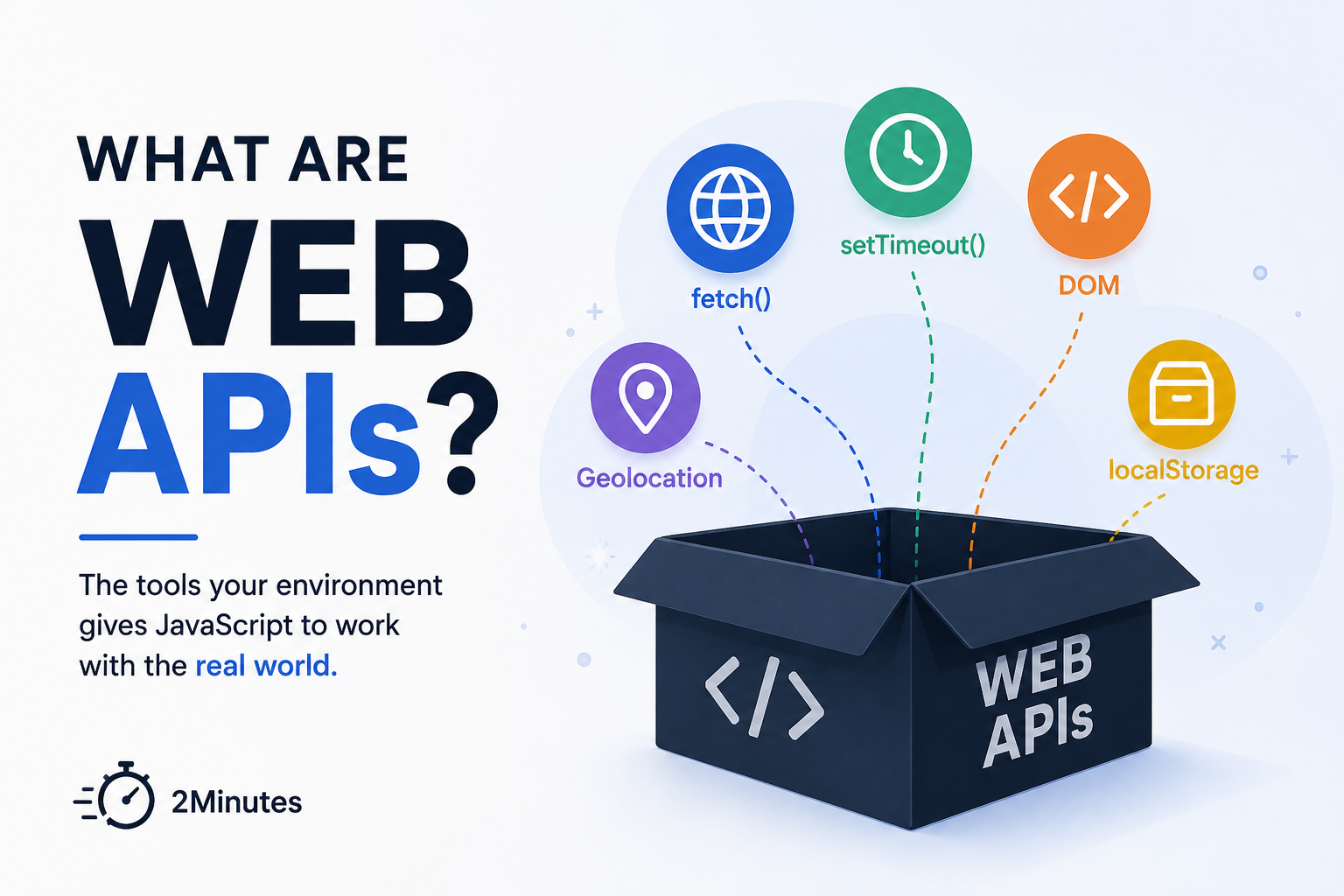
In the Event Loop post, we said that when JavaScript sees a setTimeout or a fetch, it hands the work off to “the browser” and moves on. Today, let’s actually open that box.
What are Web APIs?
The JavaScript engine (V8, SpiderMonkey, whichever one your browser runs) is very good at exactly one thing: executing JavaScript code on a single Call Stack. That’s the whole job. The engine has no idea what a timer is. It has never heard of the internet. It doesn’t know what an <h1> tag looks like.
Everything else you use every day — the DOM, fetch(), setTimeout, localStorage, geolocation — is bolted on by whatever is running the engine. When that’s a browser, this bundle of extra tools is called Web APIs.
Remember our chef from the Event Loop post? The chef only knows how to cook. He doesn’t own a delivery truck, a phone line, or a pantry that restocks itself. Those are separate departments of the restaurant that the chef can call on — and that hand him a ticket back later, through the queues we already talked about.
document.querySelector("body");                        // DOM API
fetch("/api/data");                                     // Fetch API
setTimeout(() => console.log("done"), 1000);             // Timer API
navigator.geolocation.getCurrentPosition(() => {}); // Geolocation APINot one of these four lines is “JavaScript” in the strict sense. They’re methods the browser exposes on global objects like window, document, and navigator — JavaScript is just the language you use to call them.
The Trap: Node.js Doesn’t Have Them
Try running document.querySelector in a Node.js script and it throws immediately — document is not defined. That’s because Node isn’t a browser. It never shipped a DOM. Instead, Node hands you a different toolbox: fs, http, process. Same language, same engine family, completely different set of Web APIs.
The takeaway for today is: Web APIs aren’t part of JavaScript itself, they’re tools your environment lends the language so it can actually do something with the outside world.
That’s 2Minutes Concept, see you in the next one!